OmoroShoot briefRoll 024Ser.05
Editorial Interface aesthetic photography reference
RecTC 00:00:00:00

Editorial Interface

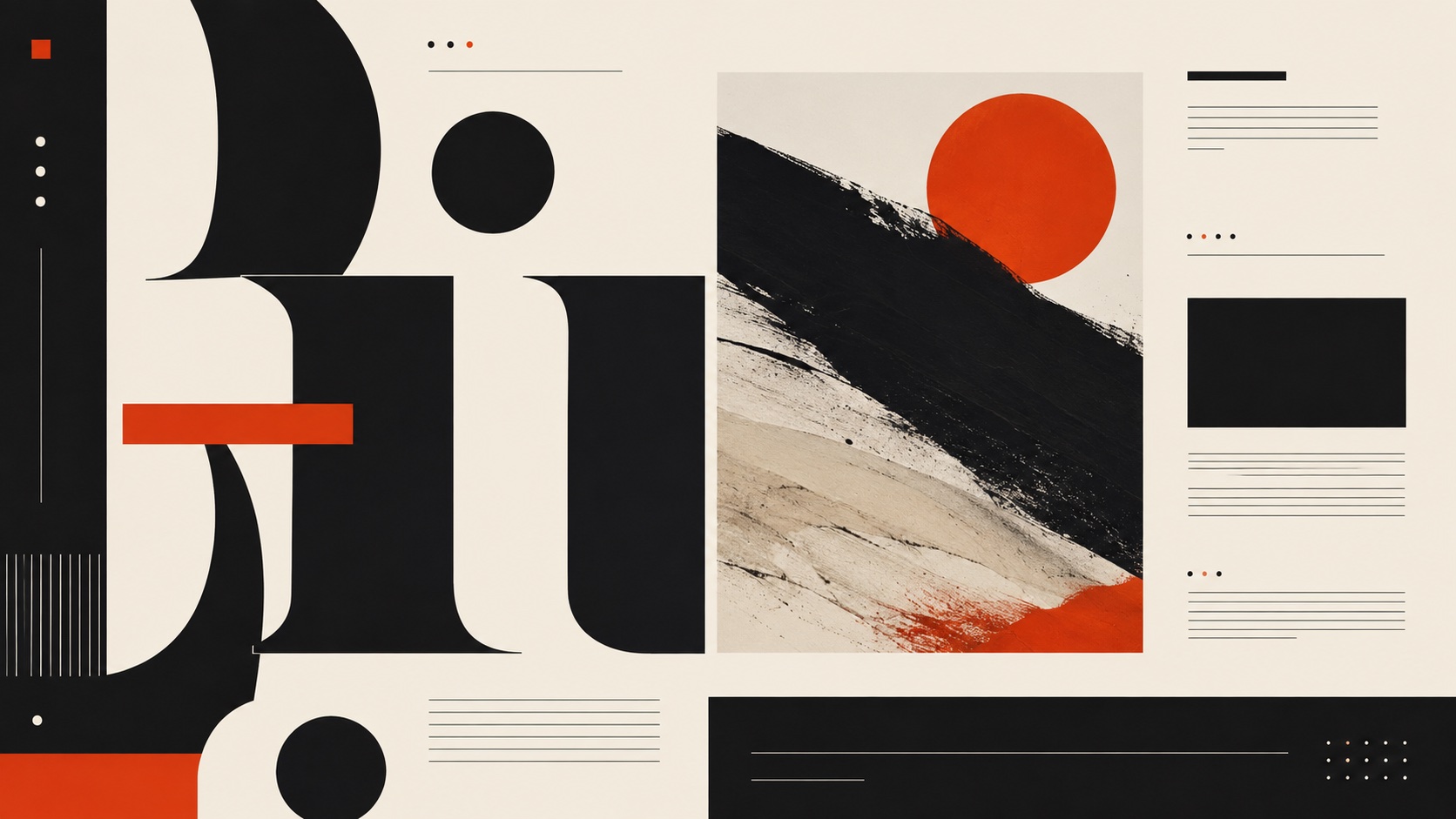
A screen that reads like a broadsheet, where typography does the work color refuses to

Roll 0245 frames0 / 5 shot
Frames00/05
editorial interface
SET

The setup

Shoot briefHD[editorial inte]00:00:00:00Stop ■
Brief Int(editorial-in.BRF)

Editorial Interface

01 LightWarm, steady, and slightly dim, like a reading lamp in a well-appointed study. The screen itself provides most of the illumination. No color temperature surprises.
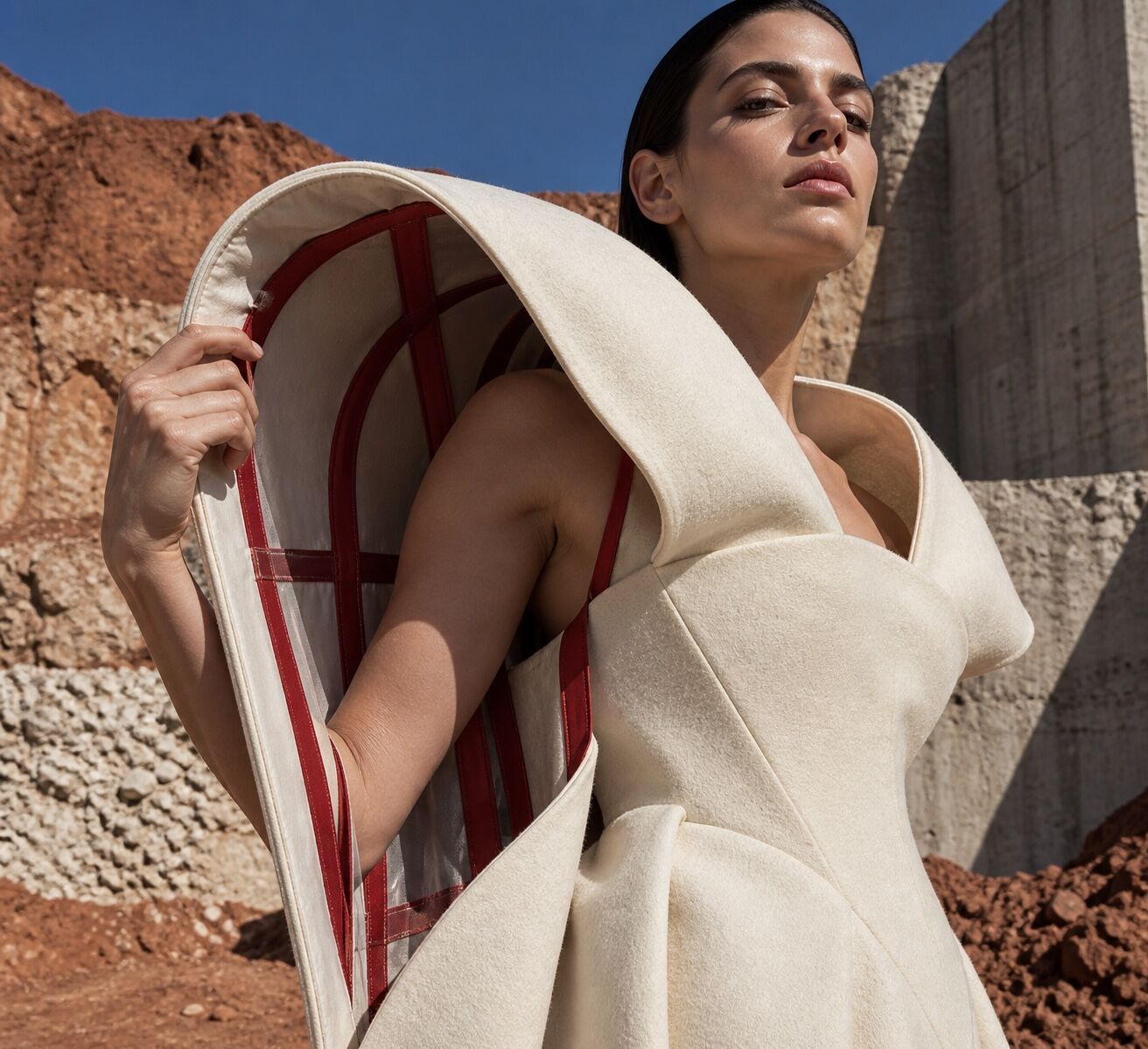
02 WardrobeUnderstated professional. Wool, cotton, neutral tones. The person looks like they subscribe to three newspapers and none of them are tabloids.
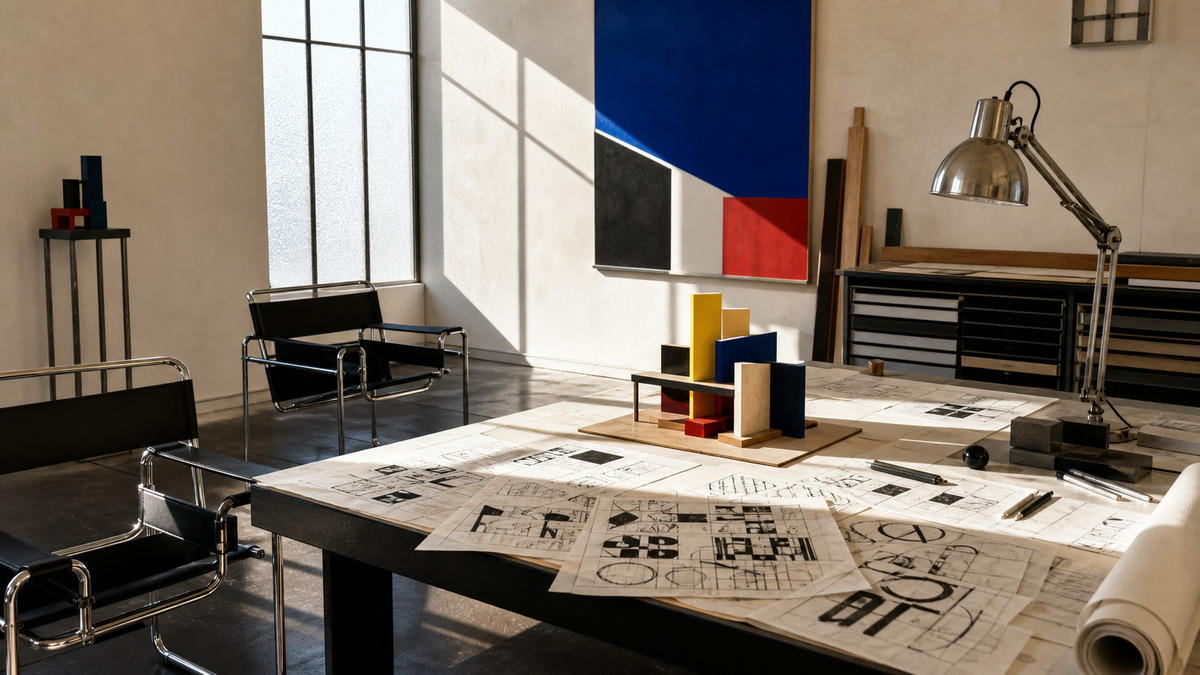
03 LocationA design studio with stacked type specimen books and a single large monitor on a walnut desk
04 Palette
DIR

Director's note

Compose as if you are laying out a magazine spread. Use the rule of thirds deliberately. Leave white space in the frame the way the interface leaves it on the screen. If the photograph feels busy, the editorial discipline has not transferred from subject to camera.

All 151 director’s notes, printable: Director’s Briefs, $8
VF

Viewfinder

Live

Four controls on the brief's own plate · the meter is real, so you can blow a frame

Editorial Interface reference frame
Standby50mmf/5.6 · 1/125 · ISO 400

Running the list sets the camera for every shot in turn. Load your own photo to light and expose a frame you actually shot.

LGT

Light the set

3 lamps

Drag a lamp and watch the frame above change. The brief's own note is the preset

KeyThe light that makes the pictureSoft, farEye level
FillHow far into shadow you can seeSoft, farEye level
BackRound at the front, where it is just another fillOffEye level
On the brief
CS

Contact sheet

00 / 12

Nothing on the sheet yet. Set the camera, then take a frame.

SEQ

Shot list

00 / 05

Tap a pad to mark the frame shot · saved on this device

Wide shot of a large desktop monitor displaying a text-heavy interface with visible column guides, serif headlines at three sizes, and generous margins, the rest of the desk intentionally sparsewide24mm
Close-up of a screen showing a data table styled like a financial newspaper: thin rules, old-style numerals, category headers in small capsdetail100mm
Medium shot of a designer's workspace with a printed newspaper, a type specimen book, and a laptop showing a UI that clearly descends from bothenvironment35mm
Tight crop of a navigation bar rendered in a single weight of a serif typeface, each label separated by a vertical hairline, no icons anywheresetup50mm
Over-the-shoulder shot of someone reading a long-form article in a web interface that uses indented paragraphs, drop caps, and a two-column layout with marginal notessetup50mm
Rolling
Take it to set: all 151 briefs as one PDF · $8
LOC

Locations

04
A design studio with stacked type specimen books and a single large monitor on a walnut deskA newspaper archive room with bound volumes and microfiche readers alongside a modern terminalA university library reading room with brass lamps and long wooden tablesA publishing house office where print galleys and digital layouts occupy the same desk
REF

Explore the aesthetic

Style guideColor palette
DOC

About this brief

How do I photograph the Editorial Interface aesthetic?

A screen that reads like a broadsheet, where typography does the work color refuses to.

Compose as if you are laying out a magazine spread. Use the rule of thirds deliberately. Leave white space in the frame the way the interface leaves it on the screen. If the photograph feels busy, the editorial discipline has not transferred from subject to camera.

Director's note

What shots should I get for a Editorial Interface photo shoot?

Leave with every frame on this list.

Shot list

  1. Wide shot of a large desktop monitor displaying a text-heavy interface with visible column guides, serif headlines at three sizes, and generous margins, the rest of the desk intentionally sparse
  2. Close-up of a screen showing a data table styled like a financial newspaper: thin rules, old-style numerals, category headers in small caps
  3. Medium shot of a designer's workspace with a printed newspaper, a type specimen book, and a laptop showing a UI that clearly descends from both
  4. Tight crop of a navigation bar rendered in a single weight of a serif typeface, each label separated by a vertical hairline, no icons anywhere
  5. Over-the-shoulder shot of someone reading a long-form article in a web interface that uses indented paragraphs, drop caps, and a two-column layout with marginal notes
What lighting works for Editorial Interface photography?

Warm, steady, and slightly dim, like a reading lamp in a well-appointed study. The screen itself provides most of the illumination. No color temperature surprises.

Light

Where should I shoot Editorial Interface photography?

Scout these before anything else.

Locations

  1. A design studio with stacked type specimen books and a single large monitor on a walnut desk
  2. A newspaper archive room with bound volumes and microfiche readers alongside a modern terminal
  3. A university library reading room with brass lamps and long wooden tables
  4. A publishing house office where print galleys and digital layouts occupy the same desk
What wardrobe works for Editorial Interface photography?

Understated professional. Wool, cotton, neutral tones. The person looks like they subscribe to three newspapers and none of them are tabloids.

Wardrobe

Omoro Studio · Creative System

Generate shoot references in the Editorial Interface style

Omoro reads your visual references and generates images in your exact aesthetic. Build a mood board before the shoot or create composite references for your client.

Join the waitlist