OmoroShoot briefRoll 061Ser.05
1-bit Dither aesthetic photography reference
RecTC 00:00:00:00

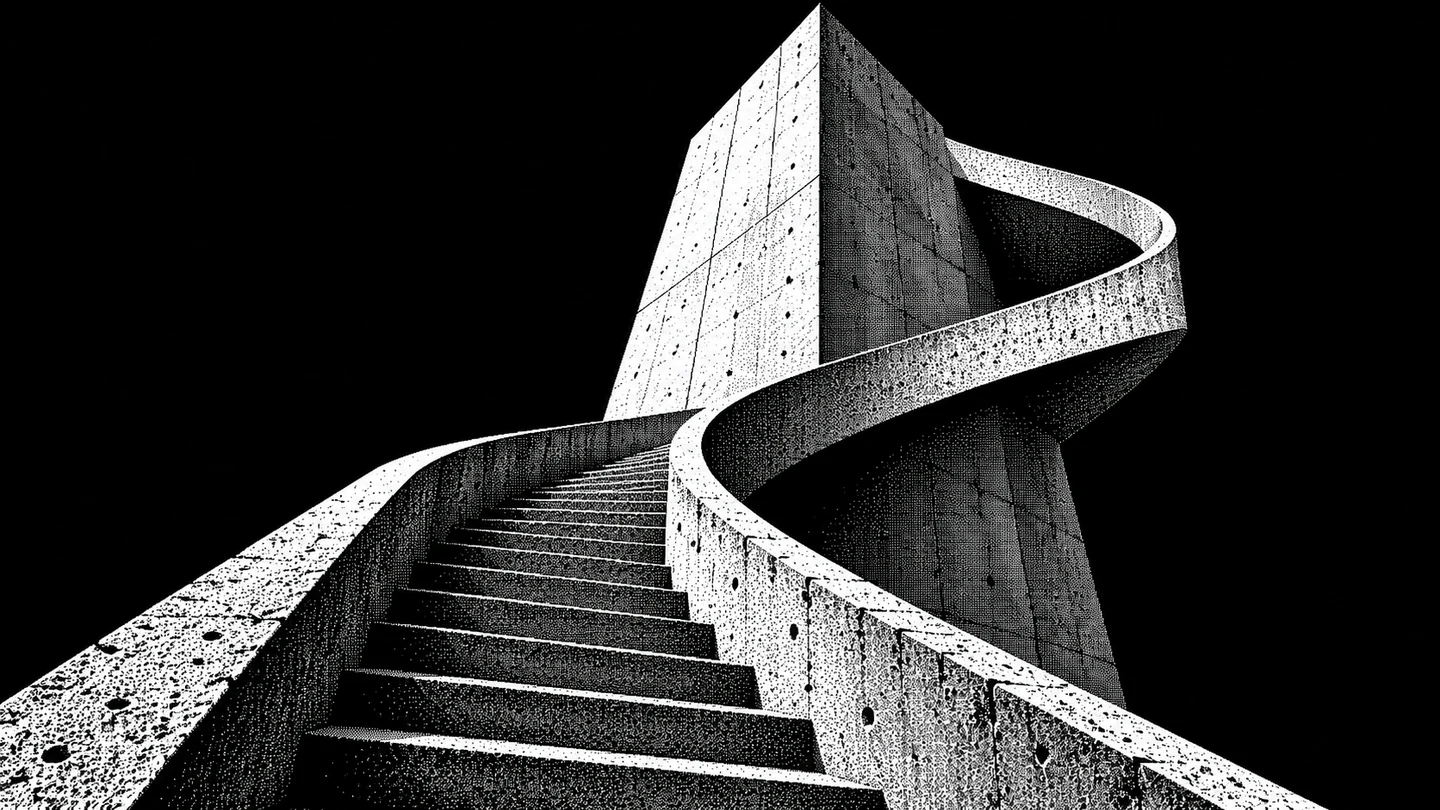
1-bit Dither

Two colors. A full range of perceived tone.

Histogram
Set on the viewfinder
Lens
50mm
Aperture
f/5.6
Shutter
1/125
ISO
400
WB
5200K
Roll 0610 / 3 shot
Frames00/03
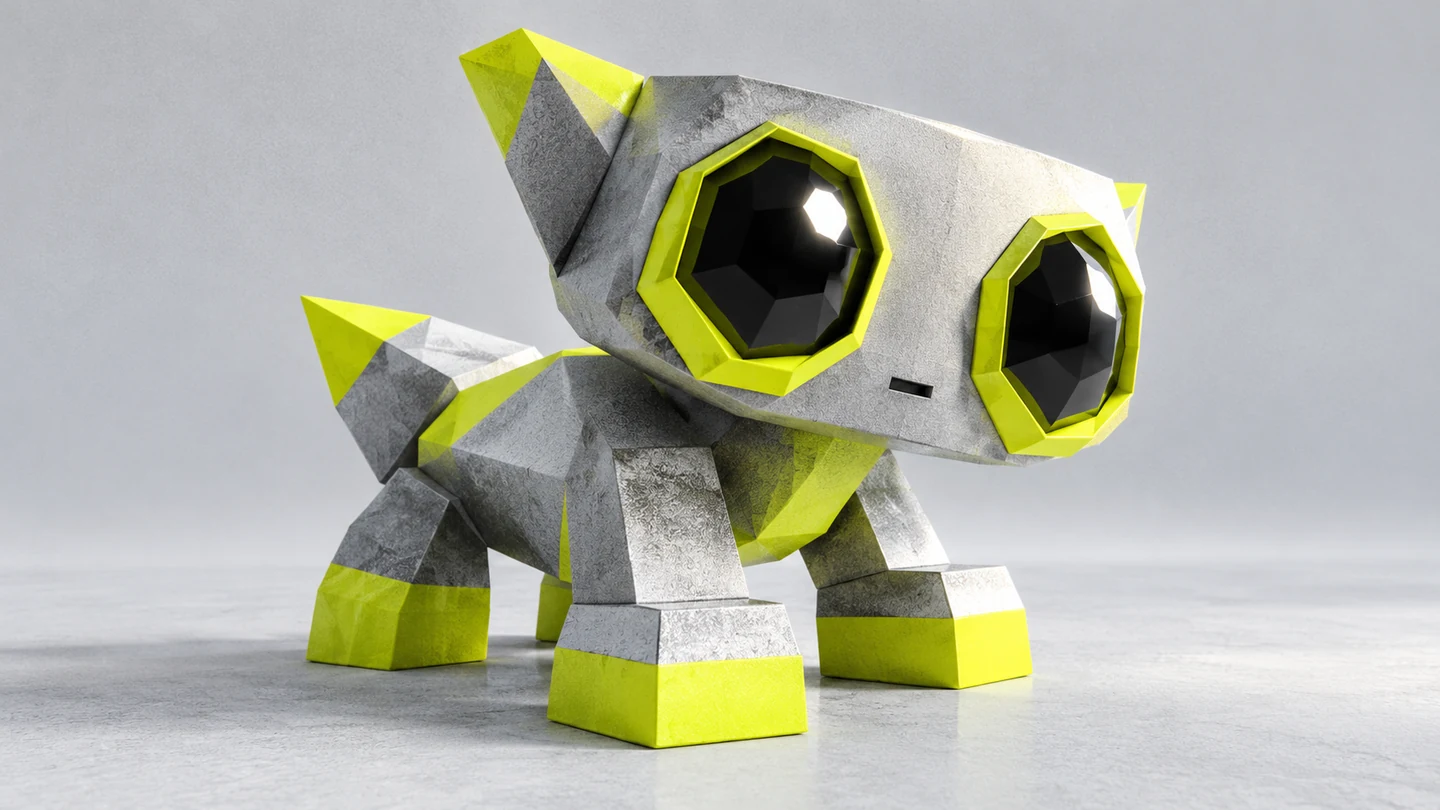
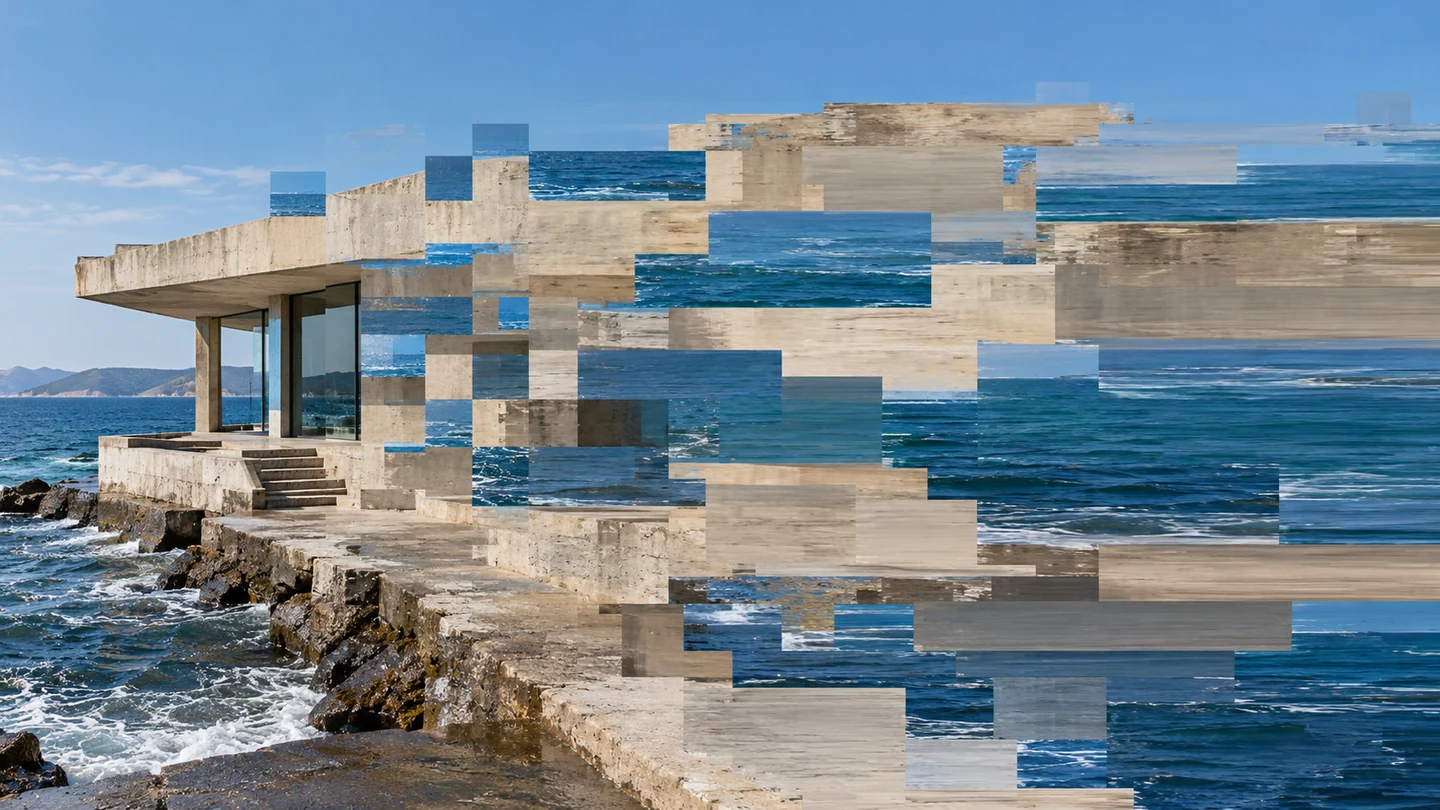
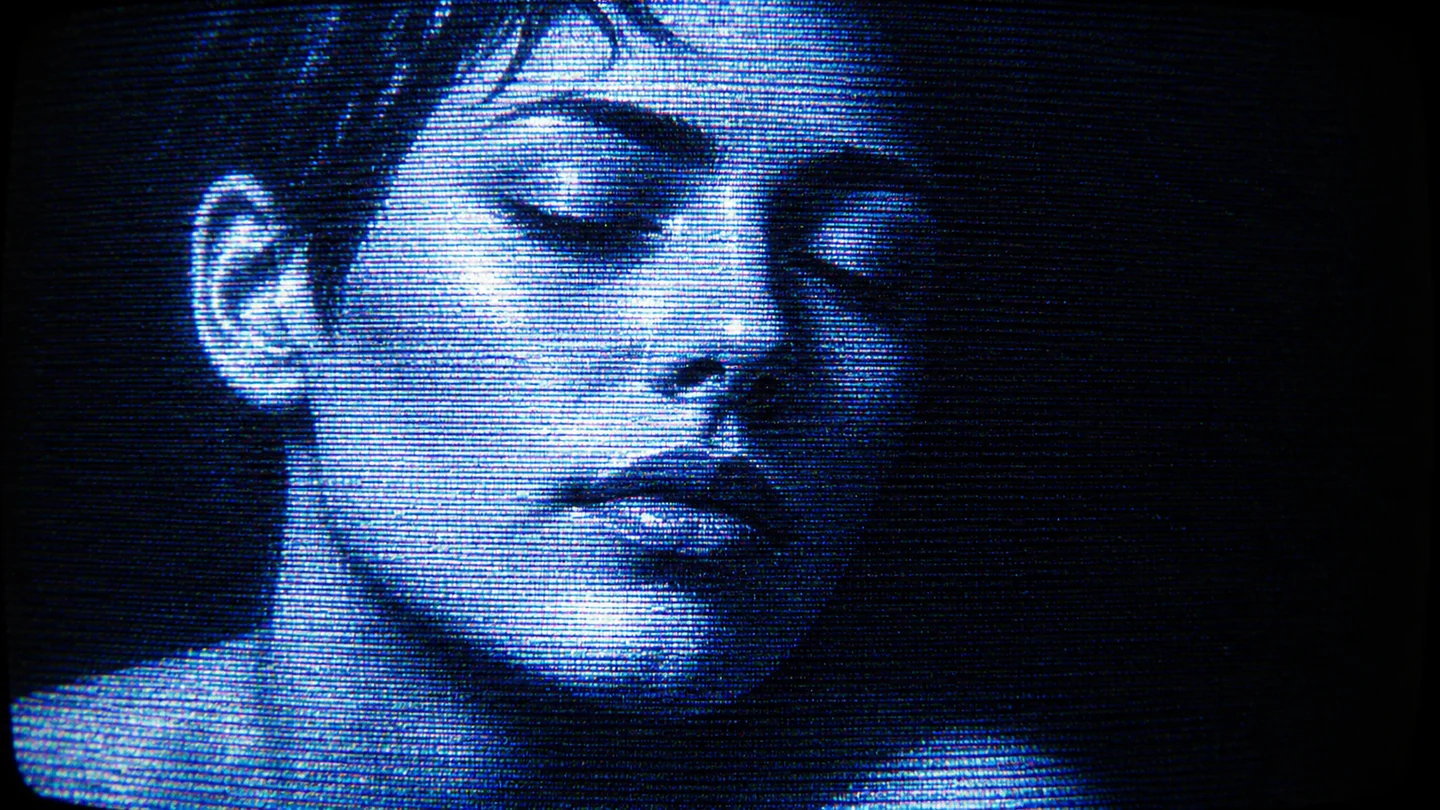
More in Digital & TechLow-PolyDatamoshCRT
1 bit dither
SET

The setup

Shoot briefHD[1 bit dither  ]00:00:00:00Stop ■
Brief Int(1-bit-dither.BRF)

1-bit Dither

01 LightMake a clean tonal source with a distinct silhouette. Shape the light before conversion so dithering does not have to rescue muddy midtones.
02 WardrobeUse large value shapes and avoid fine fabric patterns that compete with the dither matrix.
03 LocationControlled studio
04 Palette
DIR

Director's note

Choose the target pixel dimensions before conversion. Keep the master strictly two-valued and preview the actual small and large display sizes.

Get 151 director’s notes, printable: Director’s Briefs, $8 →
VF

Viewfinder

Live

Five controls on the brief's own plate, or on your own camera · the meter is real, so you can blow a frame

1-bit Dither reference frame
Standby50mmf/5.6 · 1/125 · ISO 400
Zoom50mm
Aperturef/5.6
Shutter1/125
ISO400
White balance5200K

Running the list sets the camera for every shot in turn. Load your own photo to light and expose a frame you actually shot.

LGT

Light the set

3 lamps

Drag a lamp and watch the frame above change. The brief's own note is the preset

KeyThe light that makes the pictureSoft, farEye level
FillHow far into shadow you can seeMediumEye level
BackSeparation from the backgroundSoft, farHung high
On the brief
CS

Contact sheet

00 / 12

Nothing on the sheet yet. Set the camera, then take a frame.

SEQ

Shot list

00 / 03

Tap a pad to mark the frame shot · saved on this device

A hand or object lit to keep clear light and dark regionssetup50mm
A staircase with strong geometric planessetup50mm
Backlit leaves separated from the backgroundsetup50mm
Rolling
Take it to set: all 151 briefs as one PDF · $8
LOC

Locations

03
Controlled studioConcrete stairwellPlain black backdrop
REF

Explore the aesthetic

Style guideColor palette
DOC

About this brief

How do I photograph the 1-bit Dither aesthetic?

Two colors. A full range of perceived tone..

Choose the target pixel dimensions before conversion. Keep the master strictly two-valued and preview the actual small and large display sizes.

Director's note

What shots should I get for a 1-bit Dither photo shoot?

Leave with every frame on this list.

Shot list

  1. A hand or object lit to keep clear light and dark regions
  2. A staircase with strong geometric planes
  3. Backlit leaves separated from the background
What lighting works for 1-bit Dither photography?

Make a clean tonal source with a distinct silhouette. Shape the light before conversion so dithering does not have to rescue muddy midtones.

Light

Where should I shoot 1-bit Dither photography?

Scout these before anything else.

Locations

  1. Controlled studio
  2. Concrete stairwell
  3. Plain black backdrop
What wardrobe works for 1-bit Dither photography?

Use large value shapes and avoid fine fabric patterns that compete with the dither matrix.

Wardrobe

Omoro Studio · Creative System

Generate shoot references in the 1-bit Dither style

Omoro reads your visual references and generates images in your exact aesthetic. Build a mood board before the shoot or create composite references for your client.

Join the waitlist