OmoroShoot briefRoll 023Ser.05
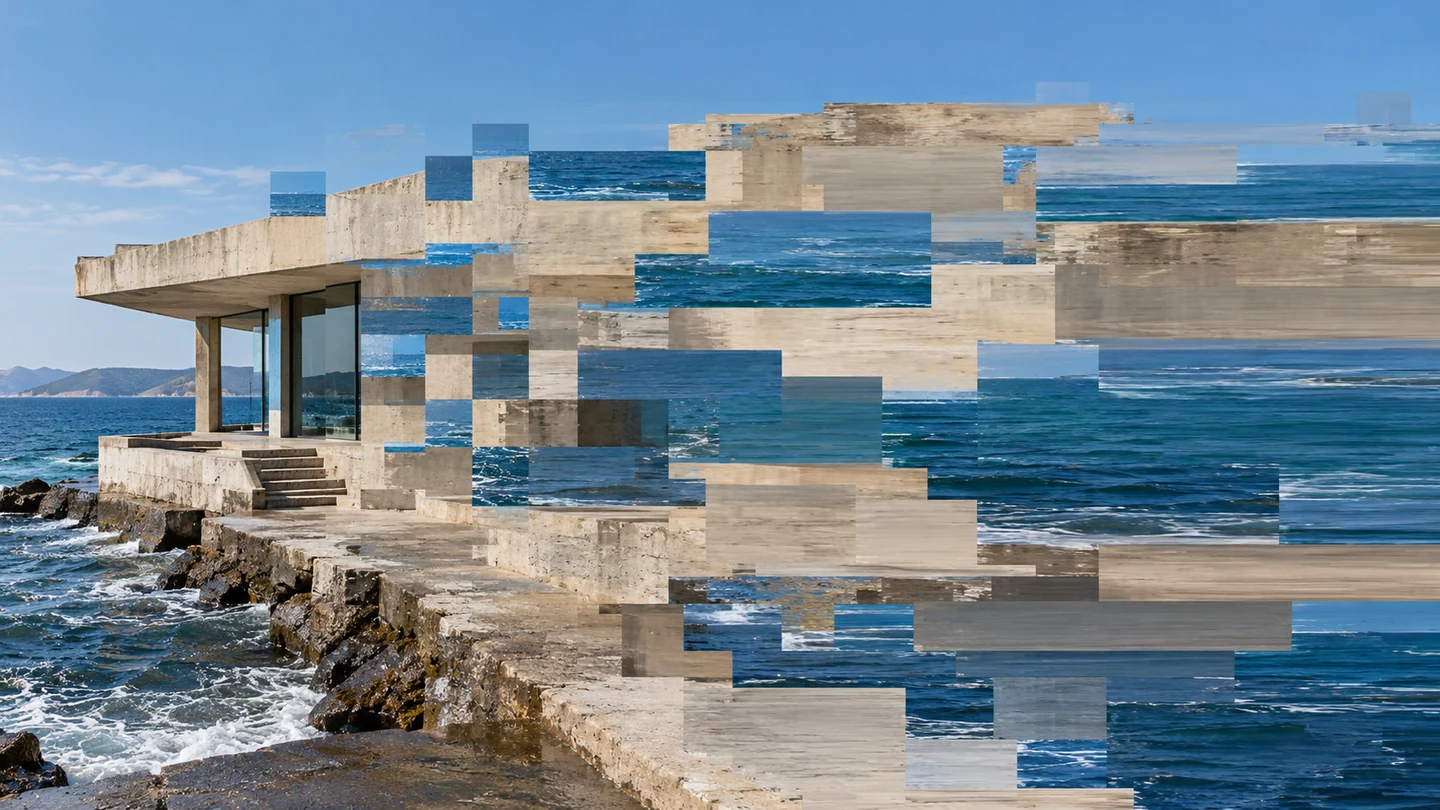
Datamosh aesthetic photography reference
RecTC 00:00:00:00

Datamosh

One shot moves, but the pixels remember another.

Histogram
Set on the viewfinder
Lens
50mm
Aperture
f/5.6
Shutter
1/125
ISO
400
WB
5200K
Roll 0230 / 3 shot
Frames00/03
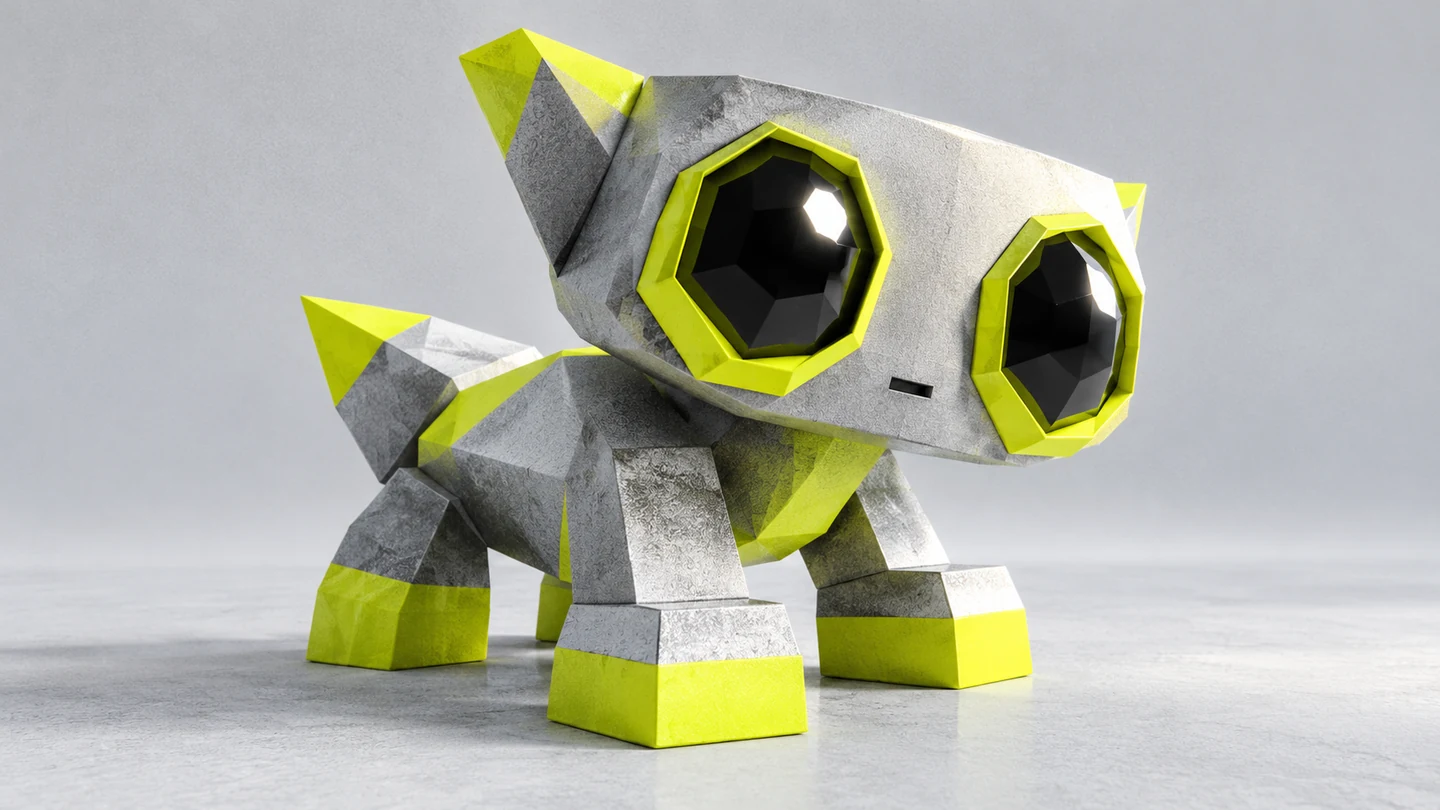
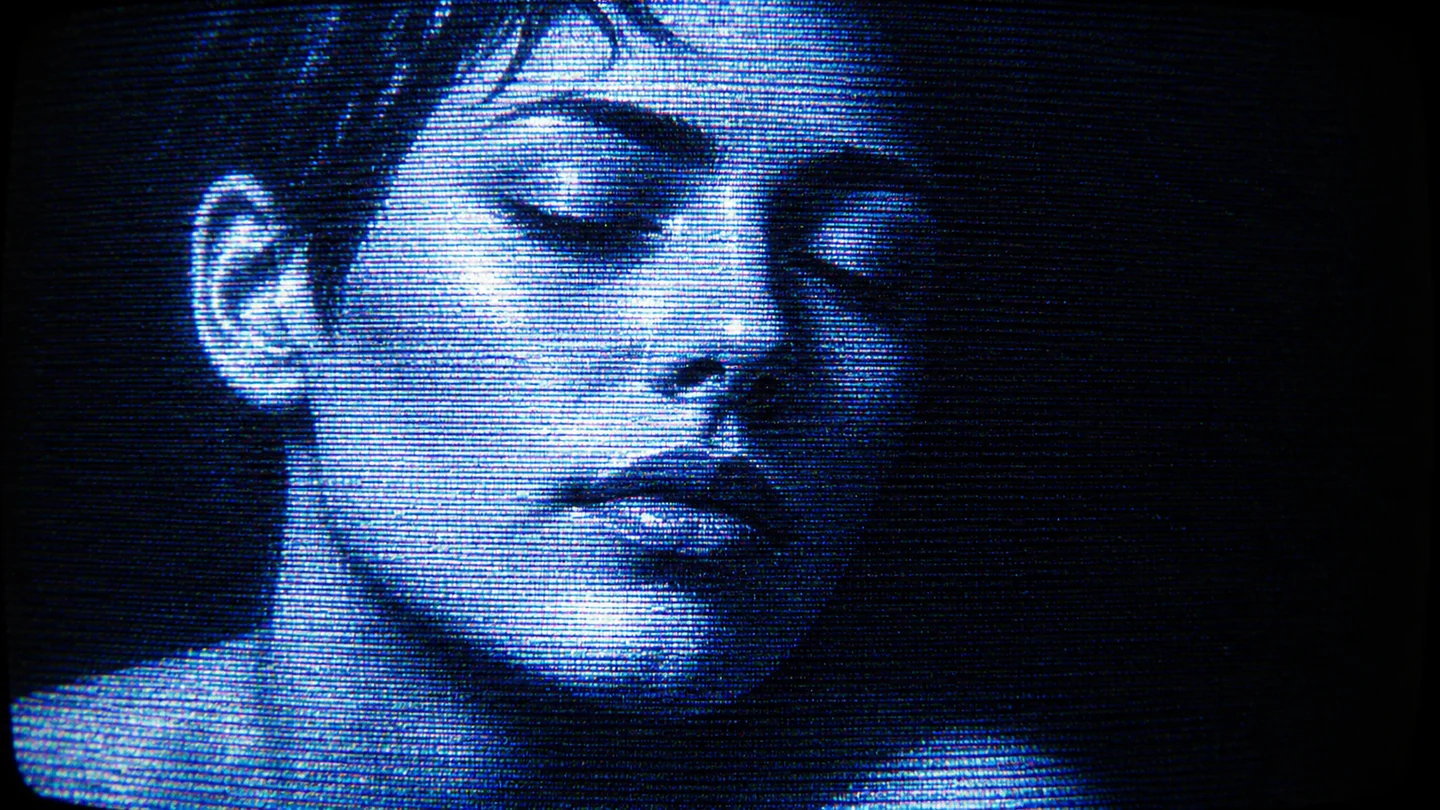
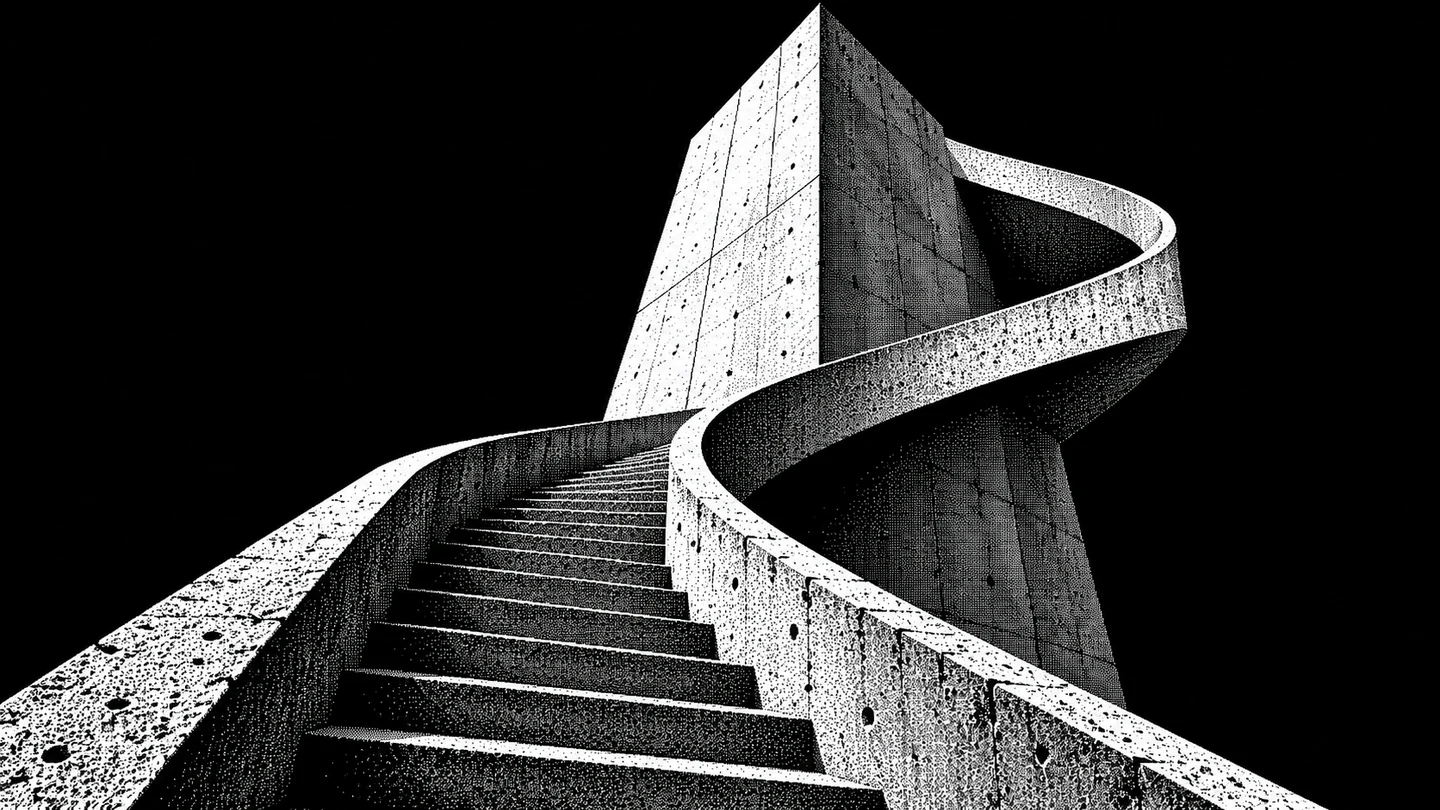
More in Digital & TechLow-PolyCRT1-bit Dither
datamosh
SET

The setup

Shoot briefHD[datamosh      ]00:00:00:00Stop ■
Brief Int(datamosh____.BRF)

Datamosh

01 LightShoot a clean, correctly exposed source with distinct color regions. Build the corruption in post rather than flattening the source with noisy lighting.
02 WardrobeLarge blocks of solid color make residual patches easier to read than fine repeating patterns.
03 LocationPlain studio wall
04 Palette
DIR

Director's note

Keep the clean source, the manipulated sequence and a baked master. Judge the transition in motion; a compelling frame grab can still make an exhausting film.

Get 151 director’s notes, printable: Director’s Briefs, $8 →
VF

Viewfinder

Live

Five controls on the brief's own plate, or on your own camera · the meter is real, so you can blow a frame

Datamosh reference frame
Standby50mmf/5.6 · 1/125 · ISO 400
Zoom50mm
Aperturef/5.6
Shutter1/125
ISO400
White balance5200K

Running the list sets the camera for every shot in turn. Load your own photo to light and expose a frame you actually shot.

LGT

Light the set

3 lamps

Drag a lamp and watch the frame above change. The brief's own note is the preset

KeyThe light that makes the pictureSoft, farEye level
FillHow far into shadow you can seeHard, closeEye level
BackRound at the front, where it is just another fillOffEye level
On the brief
CS

Contact sheet

00 / 12

Nothing on the sheet yet. Set the camera, then take a frame.

SEQ

Shot list

00 / 03

Tap a pad to mark the frame shot · saved on this device

Portrait against a plain wall with space for block displacementportrait85mm
A pavilion or streetscape with broad planes of colorsetup50mm
Lateral movement against a contrasting backgroundsetup50mm
Rolling
Take it to set: all 151 briefs as one PDF · $8
LOC

Locations

03
Plain studio wallConcrete pavilionOpen track or street
REF

Explore the aesthetic

Style guideColor palette
DOC

About this brief

How do I photograph the Datamosh aesthetic?

One shot moves, but the pixels remember another..

Keep the clean source, the manipulated sequence and a baked master. Judge the transition in motion; a compelling frame grab can still make an exhausting film.

Director's note

What shots should I get for a Datamosh photo shoot?

Leave with every frame on this list.

Shot list

  1. Portrait against a plain wall with space for block displacement
  2. A pavilion or streetscape with broad planes of color
  3. Lateral movement against a contrasting background
What lighting works for Datamosh photography?

Shoot a clean, correctly exposed source with distinct color regions. Build the corruption in post rather than flattening the source with noisy lighting.

Light

Where should I shoot Datamosh photography?

Scout these before anything else.

Locations

  1. Plain studio wall
  2. Concrete pavilion
  3. Open track or street
What wardrobe works for Datamosh photography?

Large blocks of solid color make residual patches easier to read than fine repeating patterns.

Wardrobe

Omoro Studio · Creative System

Generate shoot references in the Datamosh style

Omoro reads your visual references and generates images in your exact aesthetic. Build a mood board before the shoot or create composite references for your client.

Join the waitlist