
OmoroShoot briefRoll 035Ser.05
PS1 / Dreamcast Low-Poly aesthetic photography reference
RecTC 00:00:00:00

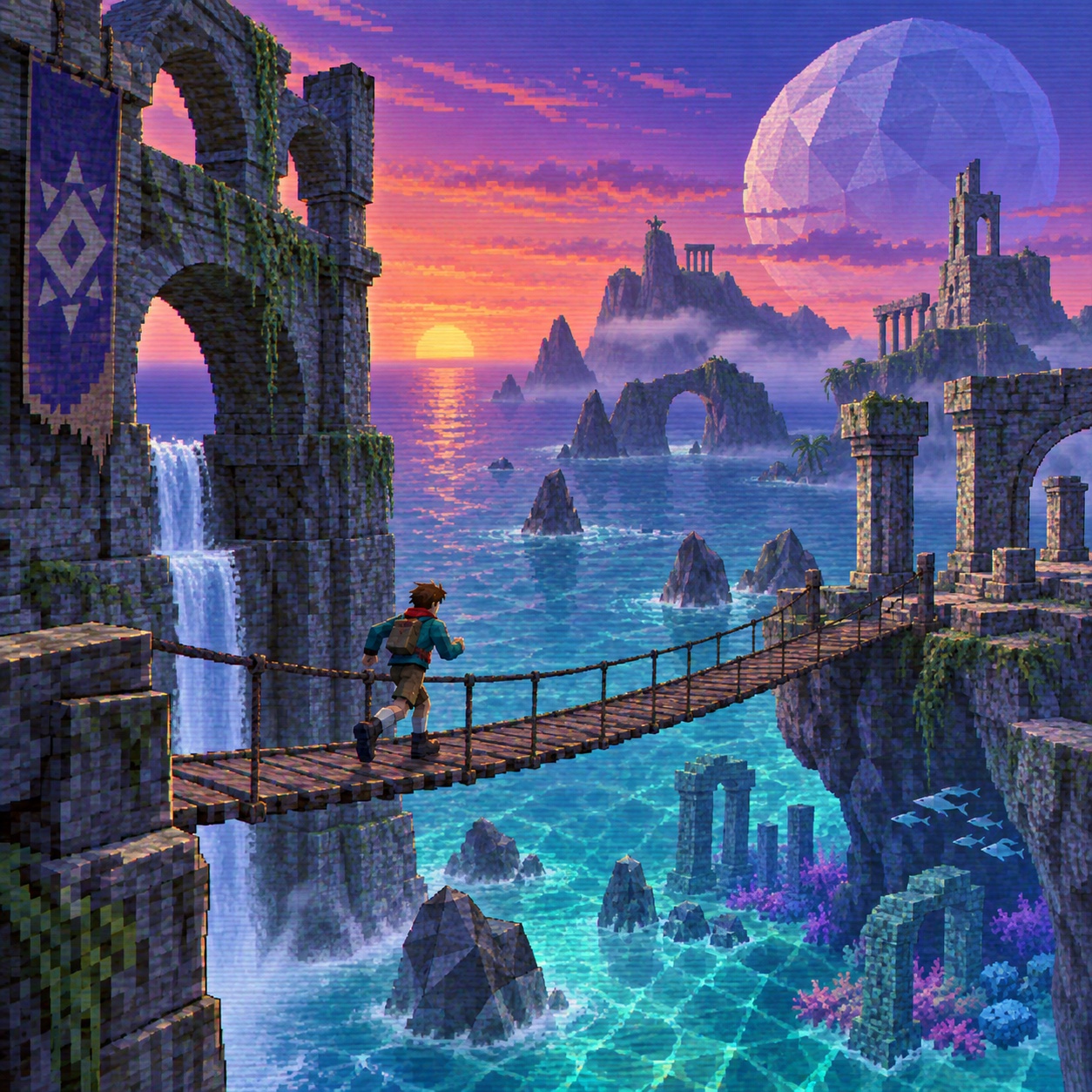
PS1 / Dreamcast Low-Poly

Photograph the world as a machine from 1998 would have drawn it, and let the fog do the composing

Roll 0355 frames0 / 5 shot
Frames00/05
ps1 dreamcast low poly
SET

The setup

Shoot briefHD[ps1 dreamcast ]00:00:00:00Stop ■
Brief Int(ps1-dreamcas.BRF)

PS1 / Dreamcast Low-Poly

01 LightVertex lighting: one or two coloured point lights, cyan and orange, with no soft shadows and no global illumination. Fog is the third light; it flattens everything beyond a set distance to grey. Finish with scanlines and slight chromatic separation as if through a CRT.
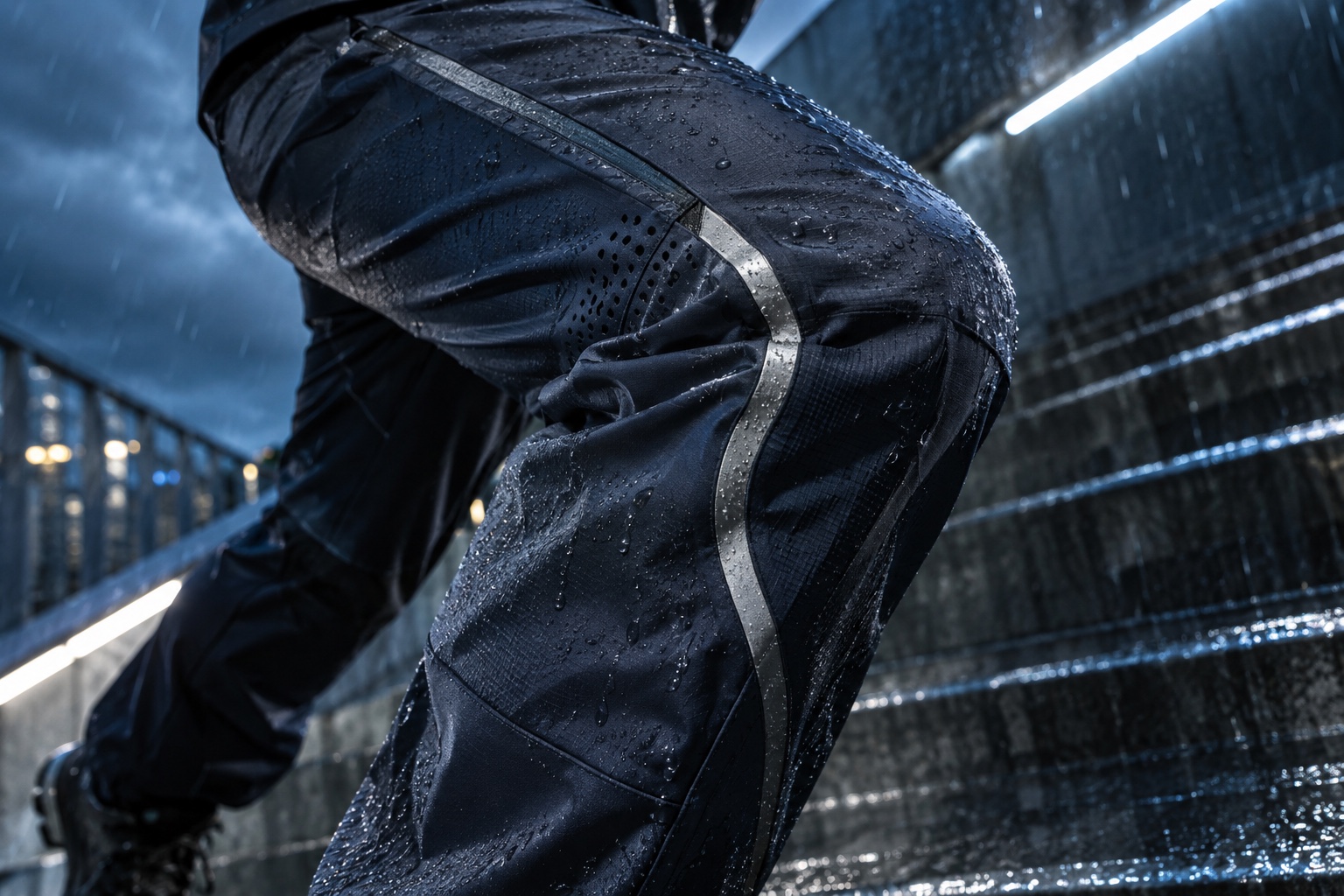
02 WardrobeAvatars are angular and flat-shaded: a jacket, a helmet, a visor, blocked out in two colours. Nothing textured finely enough to read as cloth.
03 LocationA coastal road or pier that can dissolve into fog
04 Palette
DIR

Director's note

The point is atmosphere, not nostalgia. Keep polygon counts low enough that the silhouette is jagged, let textures warp rather than fixing them, and leave the spaces empty. Do not reach for any real game, character or console; the era's grammar is the reference, not its IP. If it looks like a modern engine with a retro filter, the fog is not doing enough work.

All 151 director’s notes, printable: Director’s Briefs, $8
VF

Viewfinder

Live

Four controls on the brief's own plate · the meter is real, so you can blow a frame

PS1 / Dreamcast Low-Poly reference frame
Standby50mmf/5.6 · 1/125 · ISO 400

Running the list sets the camera for every shot in turn. Load your own photo to light and expose a frame you actually shot.

LGT

Light the set

3 lamps

Drag a lamp and watch the frame above change. The brief's own note is the preset

KeyThe light that makes the pictureSoft, farEye level
FillHow far into shadow you can seeHard, closeEye level
BackSeparation from the backgroundSoft, farHung high
On the brief
CS

Contact sheet

00 / 12

Nothing on the sheet yet. Set the camera, then take a frame.

SEQ

Shot list

00 / 05

Tap a pad to mark the frame shot · saved on this device

Wide shot of a coastal or industrial space rendered in visible polygons, textures warping at the seams, the far edge dissolving into hazy grey fog, one orange marker in the middle distancewide24mmatmosphere
Medium shot of an original angular avatar silhouette standing alone in an empty plaza, vertex-lit, edges jagged, no face detaildetail100mm
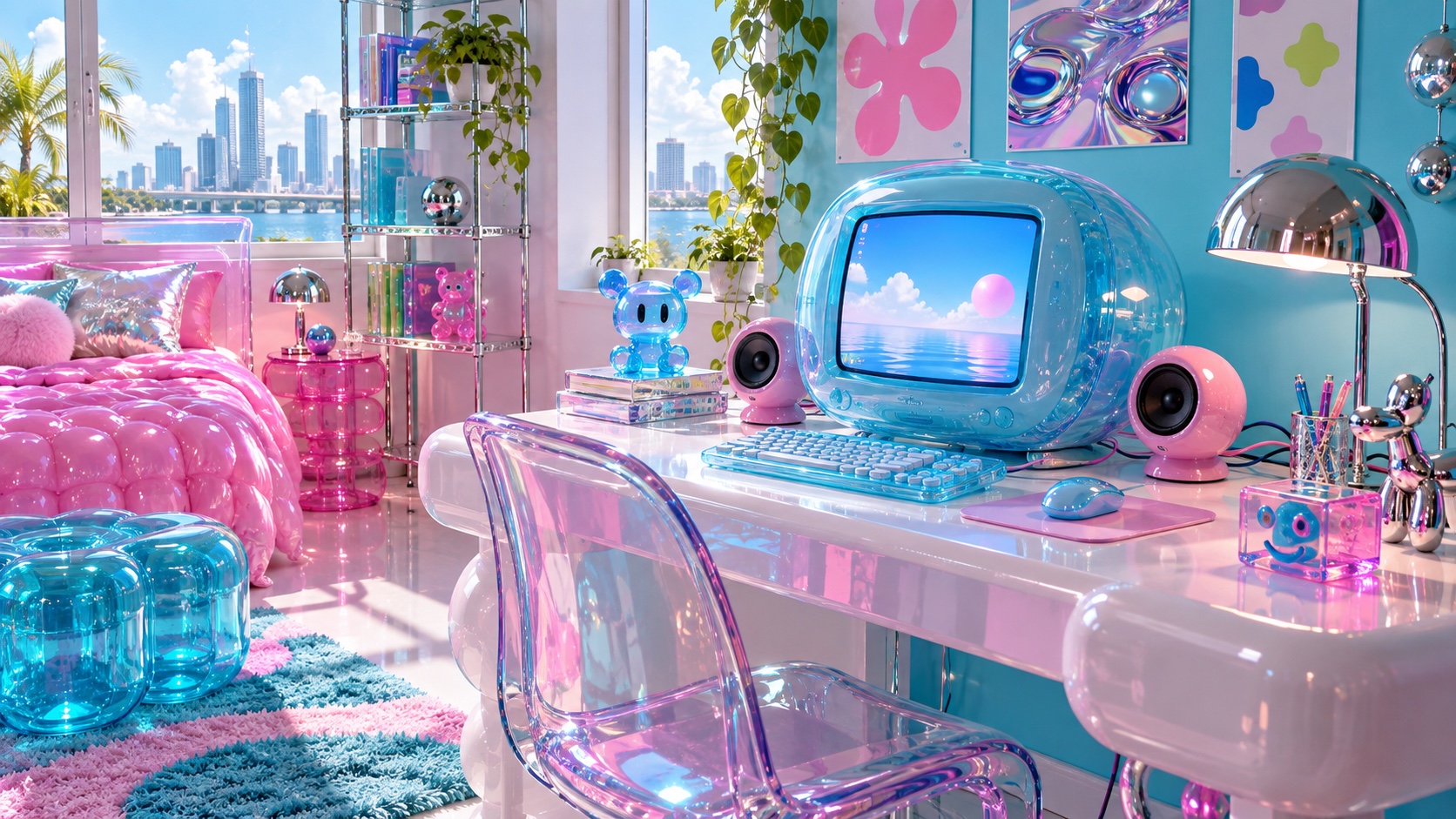
Frontal composition of an abstract save screen or menu: angular panels on a banded midnight-blue gradient, bitmap microtype, no real game brandingsetup50mmlow light
Close shot of a single low-poly object, a collectible, vehicle or artefact, turning slowly under a cyan light with its texture stretching across the facesdetail100mm
Wide shot of an empty racetrack or plaza at night lit by a CRT glow, scanlines visible, colour bleeding at the edgeswide24mmlow light
Rolling
Take it to set: all 151 briefs as one PDF · $8
LOC

Locations

04
A coastal road or pier that can dissolve into fogAn industrial yard or car park with repeating modulesAn empty plaza, arena or racetrack at nightA rendered interior that reads as a menu or save room
REF

Explore the aesthetic

Style guideColor palette
DOC

About this brief

How do I photograph the PS1 / Dreamcast Low-Poly aesthetic?

Photograph the world as a machine from 1998 would have drawn it, and let the fog do the composing.

The point is atmosphere, not nostalgia. Keep polygon counts low enough that the silhouette is jagged, let textures warp rather than fixing them, and leave the spaces empty. Do not reach for any real game, character or console; the era's grammar is the reference, not its IP. If it looks like a modern engine with a retro filter, the fog is not doing enough work.

Director's note

What shots should I get for a PS1 / Dreamcast Low-Poly photo shoot?

Leave with every frame on this list.

Shot list

  1. Wide shot of a coastal or industrial space rendered in visible polygons, textures warping at the seams, the far edge dissolving into hazy grey fog, one orange marker in the middle distance
  2. Medium shot of an original angular avatar silhouette standing alone in an empty plaza, vertex-lit, edges jagged, no face detail
  3. Frontal composition of an abstract save screen or menu: angular panels on a banded midnight-blue gradient, bitmap microtype, no real game branding
  4. Close shot of a single low-poly object, a collectible, vehicle or artefact, turning slowly under a cyan light with its texture stretching across the faces
  5. Wide shot of an empty racetrack or plaza at night lit by a CRT glow, scanlines visible, colour bleeding at the edges
What lighting works for PS1 / Dreamcast Low-Poly photography?

Vertex lighting: one or two coloured point lights, cyan and orange, with no soft shadows and no global illumination. Fog is the third light; it flattens everything beyond a set distance to grey. Finish with scanlines and slight chromatic separation as if through a CRT.

Light

Where should I shoot PS1 / Dreamcast Low-Poly photography?

Scout these before anything else.

Locations

  1. A coastal road or pier that can dissolve into fog
  2. An industrial yard or car park with repeating modules
  3. An empty plaza, arena or racetrack at night
  4. A rendered interior that reads as a menu or save room
What wardrobe works for PS1 / Dreamcast Low-Poly photography?

Avatars are angular and flat-shaded: a jacket, a helmet, a visor, blocked out in two colours. Nothing textured finely enough to read as cloth.

Wardrobe

Omoro Studio · Creative System

Generate shoot references in the PS1 / Dreamcast Low-Poly style

Omoro reads your visual references and generates images in your exact aesthetic. Build a mood board before the shoot or create composite references for your client.

Join the waitlist