OmoroShoot briefRoll 035Ser.05
Post-Internet aesthetic photography reference
RecTC 00:00:00:00

Post-Internet

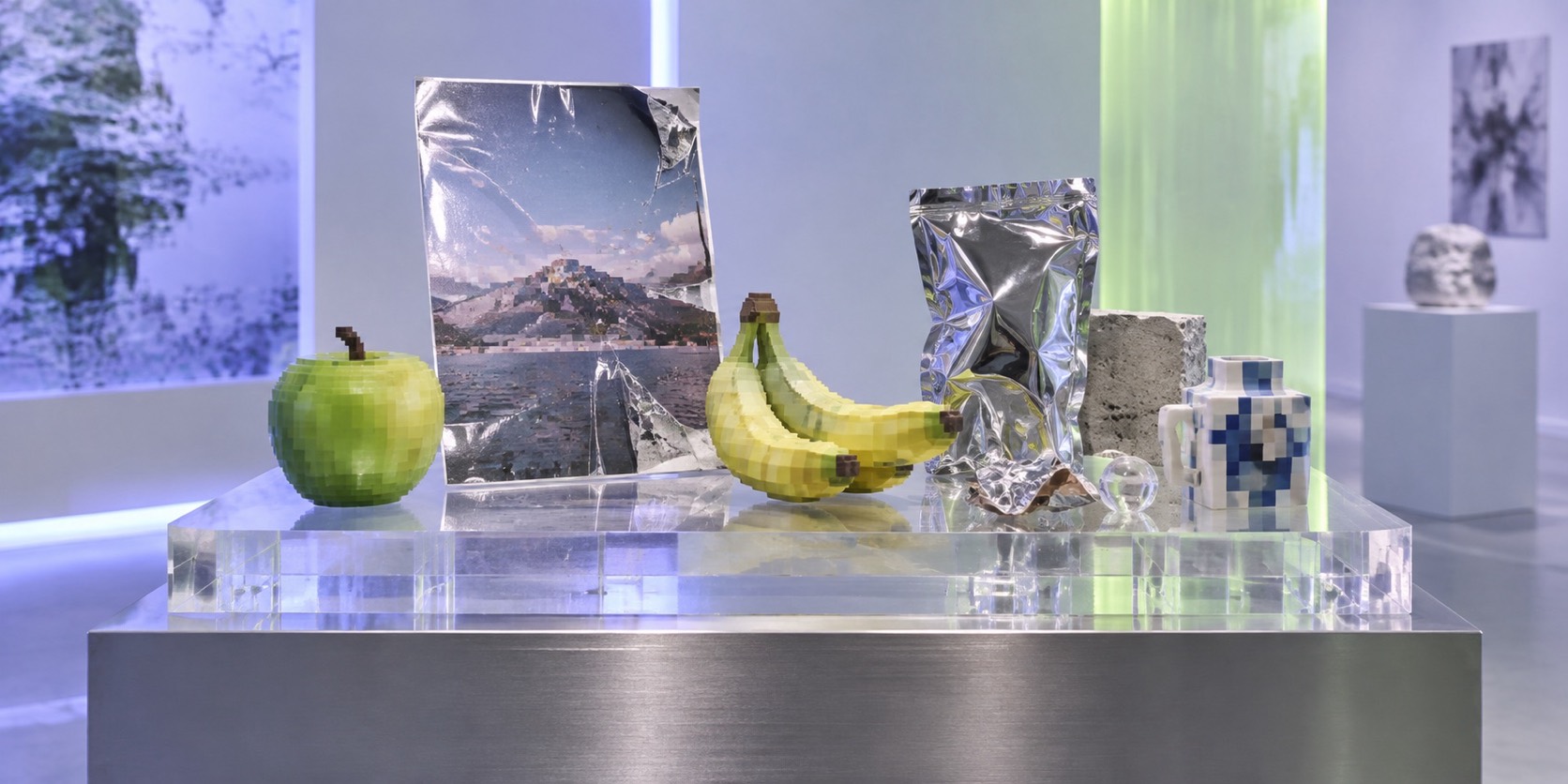
A product listing photographed, printed, displayed and photographed again

Roll 0355 frames0 / 5 shot
Frames00/05
post internet
SET

The setup

Shoot briefHD[post internet ]00:00:00:00Stop ■
Brief Int(post-interne.BRF)

Post-Internet

01 LightRetail and screen light: LED strips, monitor glow, flat even white. Slight colour mismatches between sources are welcome. Avoid warmth, avoid drama, avoid anything cinematic.
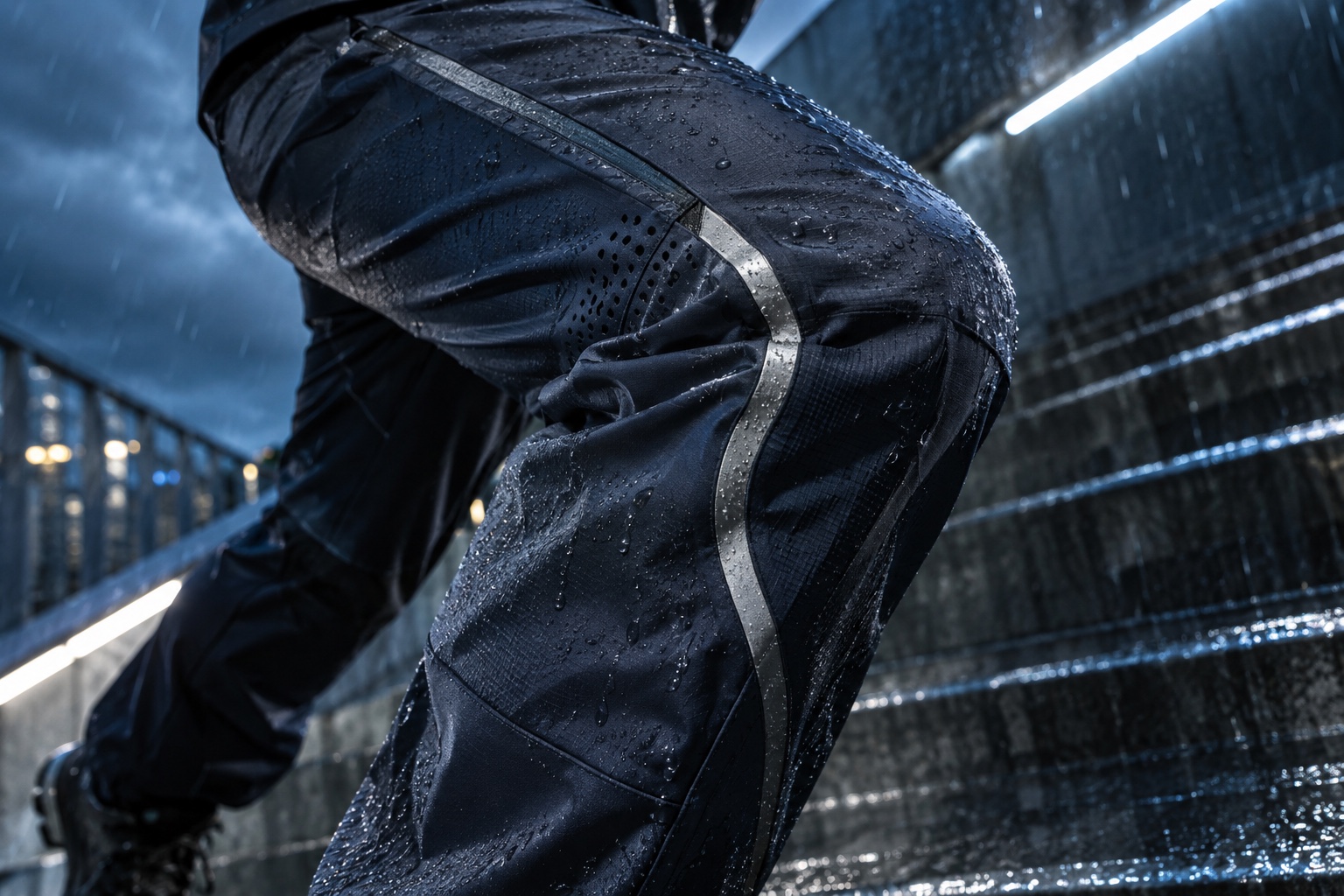
02 WardrobePlain contemporary clothes with no visible branding, the kind that appear in stock photography. Grey, white, one flat colour. Nothing that dates the image to a specific youth culture.
03 LocationA white retail or showroom space with display plinths
04 Palette
DIR

Director's note

The subject is the life of an image once it circulates. Build in at least one loop per frame: a photo of a print of a screenshot. Keep it clean and knowing rather than glitchy. This is not Y2K, not cyberpunk and not a UI mockup; if a frame could be a tech advert, it has drifted.

All 151 director’s notes, printable: Director’s Briefs, $8
VF

Viewfinder

Live

Four controls on the brief's own plate · the meter is real, so you can blow a frame

Post-Internet reference frame
Standby50mmf/5.6 · 1/125 · ISO 400

Running the list sets the camera for every shot in turn. Load your own photo to light and expose a frame you actually shot.

LGT

Light the set

3 lamps

Drag a lamp and watch the frame above change. The brief's own note is the preset

KeyThe light that makes the pictureSoft, farEye level
FillHow far into shadow you can seeHard, closeEye level
BackRound at the front, where it is just another fillOffEye level
On the brief
CS

Contact sheet

00 / 12

Nothing on the sheet yet. Set the camera, then take a frame.

SEQ

Shot list

00 / 05

Tap a pad to mark the frame shot · saved on this device

Frontal shot of a plain object on a clear acrylic retail stand under LED strip light, styled exactly like an e-commerce listing, then the whole set visibly printed on vinyl and rephotographed with a fold in itsetup50mm
Medium shot of a person holding a phone whose screen shows the same scene they are standing in, the two versions slightly mismatched in coloursetup50mm
Close detail of a large-format print with visible JPEG compression blocking, a watermark left in, pinned to a white wall with a caption in a system fontdetail100mm
Wide shot of a white room with a default-shaded lo-fi 3D render of a chair projected onto the wall beside a real chairwide24mm
Overhead shot of a shipping box, bubble wrap, a printed screenshot and a stock photo arranged flat on a white table like a browser windowoverhead50mmthru glass
Rolling
Take it to set: all 151 briefs as one PDF · $8
LOC

Locations

04
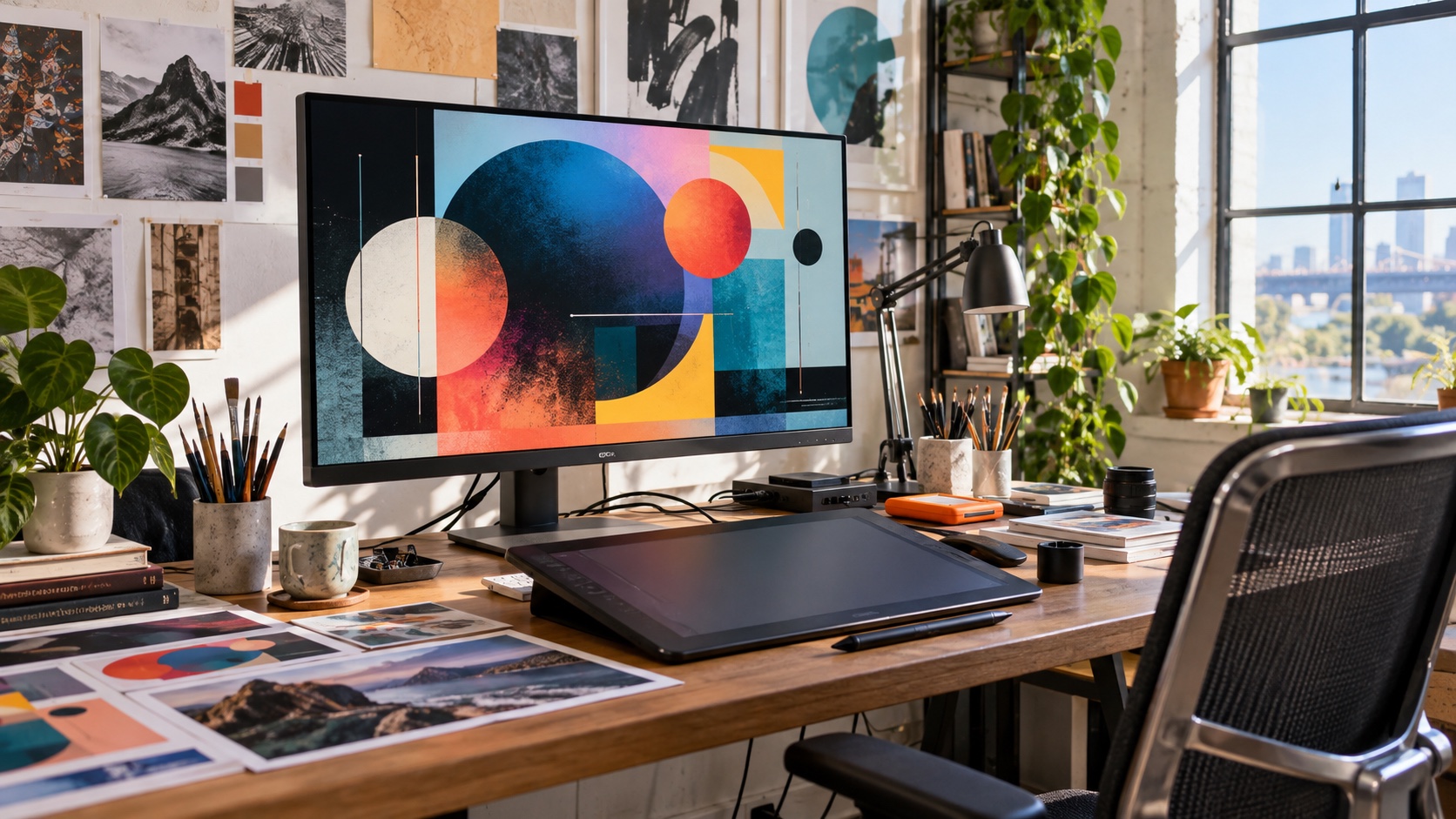
A white retail or showroom space with display plinthsA flat-lay table under even lightA gallery wall for pinned printsAn ordinary office or apartment with a large monitor
REF

Explore the aesthetic

Style guideColor palette
DOC

About this brief

How do I photograph the Post-Internet aesthetic?

A product listing photographed, printed, displayed and photographed again.

The subject is the life of an image once it circulates. Build in at least one loop per frame: a photo of a print of a screenshot. Keep it clean and knowing rather than glitchy. This is not Y2K, not cyberpunk and not a UI mockup; if a frame could be a tech advert, it has drifted.

Director's note

What shots should I get for a Post-Internet photo shoot?

Leave with every frame on this list.

Shot list

  1. Frontal shot of a plain object on a clear acrylic retail stand under LED strip light, styled exactly like an e-commerce listing, then the whole set visibly printed on vinyl and rephotographed with a fold in it
  2. Medium shot of a person holding a phone whose screen shows the same scene they are standing in, the two versions slightly mismatched in colour
  3. Close detail of a large-format print with visible JPEG compression blocking, a watermark left in, pinned to a white wall with a caption in a system font
  4. Wide shot of a white room with a default-shaded lo-fi 3D render of a chair projected onto the wall beside a real chair
  5. Overhead shot of a shipping box, bubble wrap, a printed screenshot and a stock photo arranged flat on a white table like a browser window
What lighting works for Post-Internet photography?

Retail and screen light: LED strips, monitor glow, flat even white. Slight colour mismatches between sources are welcome. Avoid warmth, avoid drama, avoid anything cinematic.

Light

Where should I shoot Post-Internet photography?

Scout these before anything else.

Locations

  1. A white retail or showroom space with display plinths
  2. A flat-lay table under even light
  3. A gallery wall for pinned prints
  4. An ordinary office or apartment with a large monitor
What wardrobe works for Post-Internet photography?

Plain contemporary clothes with no visible branding, the kind that appear in stock photography. Grey, white, one flat colour. Nothing that dates the image to a specific youth culture.

Wardrobe

Omoro Studio · Creative System

Generate shoot references in the Post-Internet style

Omoro reads your visual references and generates images in your exact aesthetic. Build a mood board before the shoot or create composite references for your client.

Join the waitlist