OmoroShoot briefRoll 021Ser.05
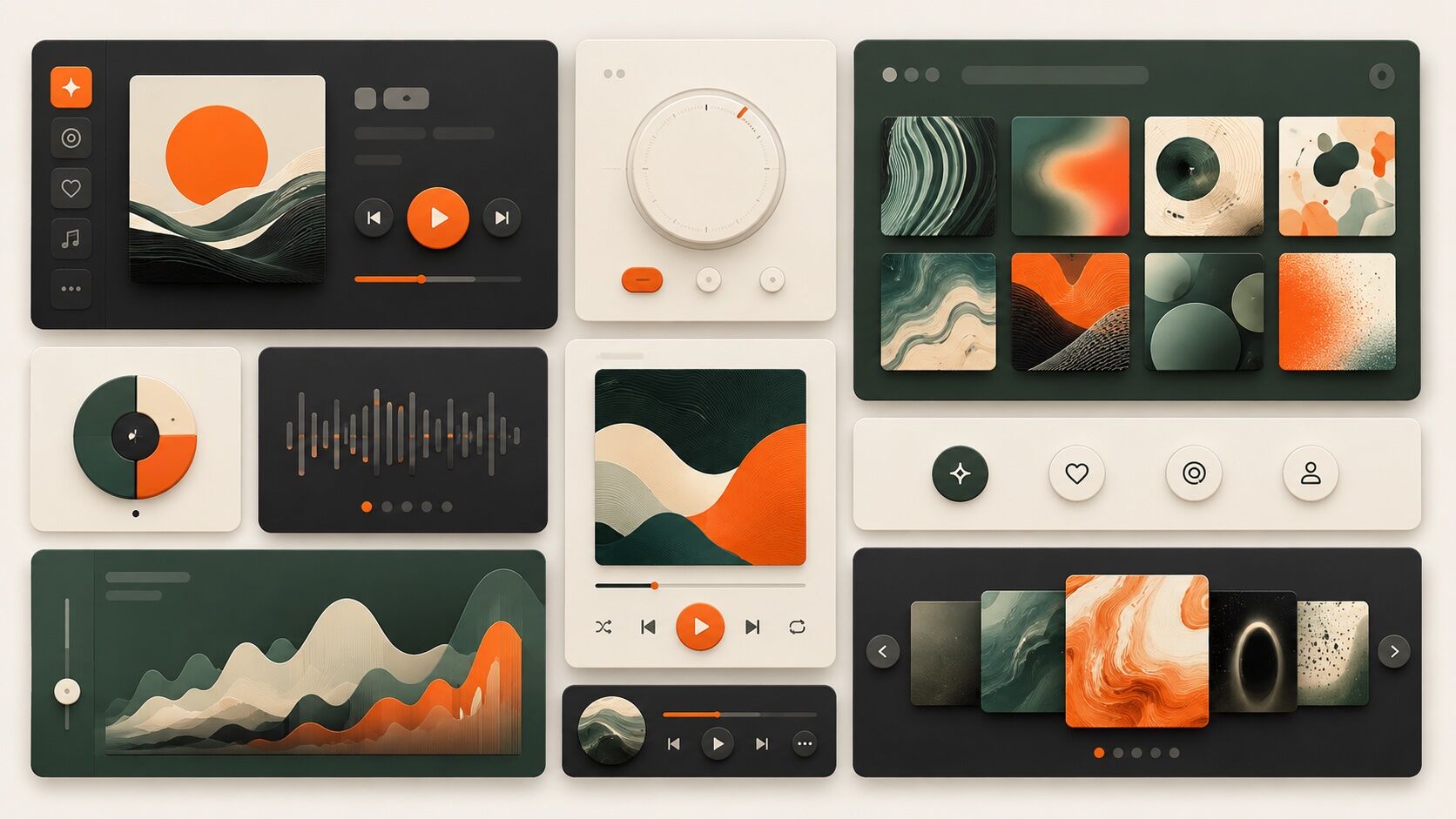
Bento UI aesthetic photography reference
RecTC 00:00:00:00

Bento UI

Every card a self-contained thought, every grid line a decision made visible

Roll 0215 frames0 / 5 shot
Frames00/05
bento ui
SET

The setup

Shoot briefHD[bento ui      ]00:00:00:00Stop ■
Brief Int(bento-ui____.BRF)

Bento UI

01 LightCool, even monitor light supplemented by diffused overhead panels. No dramatic shadows. The light should feel institutional and precise, the kind of controlled illumination you associate with design studios and product labs.
02 WardrobeClean, minimal, monochrome. Crew-neck sweaters, simple tees in charcoal or navy. Nothing competes with the screen.
03 LocationA product design studio with floor-to-ceiling whiteboards and dual-monitor workstations
04 Palette
DIR

Director's note

Shoot everything on a grid. Your framing should echo the subject: centered, padded, contained. If the composition feels loose or organic, you have missed the point. Bento is about the confidence of constraint.

All 151 director’s notes, printable: Director’s Briefs, $8
VF

Viewfinder

Live

Four controls on the brief's own plate · the meter is real, so you can blow a frame

Bento UI reference frame
Standby50mmf/5.6 · 1/125 · ISO 400

Running the list sets the camera for every shot in turn. Load your own photo to light and expose a frame you actually shot.

LGT

Light the set

3 lamps

Drag a lamp and watch the frame above change. The brief's own note is the preset

KeyThe light that makes the pictureSoft, farHung high
FillHow far into shadow you can seeSoft, farEye level
BackRound at the front, where it is just another fillOffEye level
On the brief
CS

Contact sheet

00 / 12

Nothing on the sheet yet. Set the camera, then take a frame.

SEQ

Shot list

00 / 05

Tap a pad to mark the frame shot · saved on this device

Extreme close-up of a backlit display showing a modular card layout, each tile holding a single piece of information in perfect containmentdetail100mm
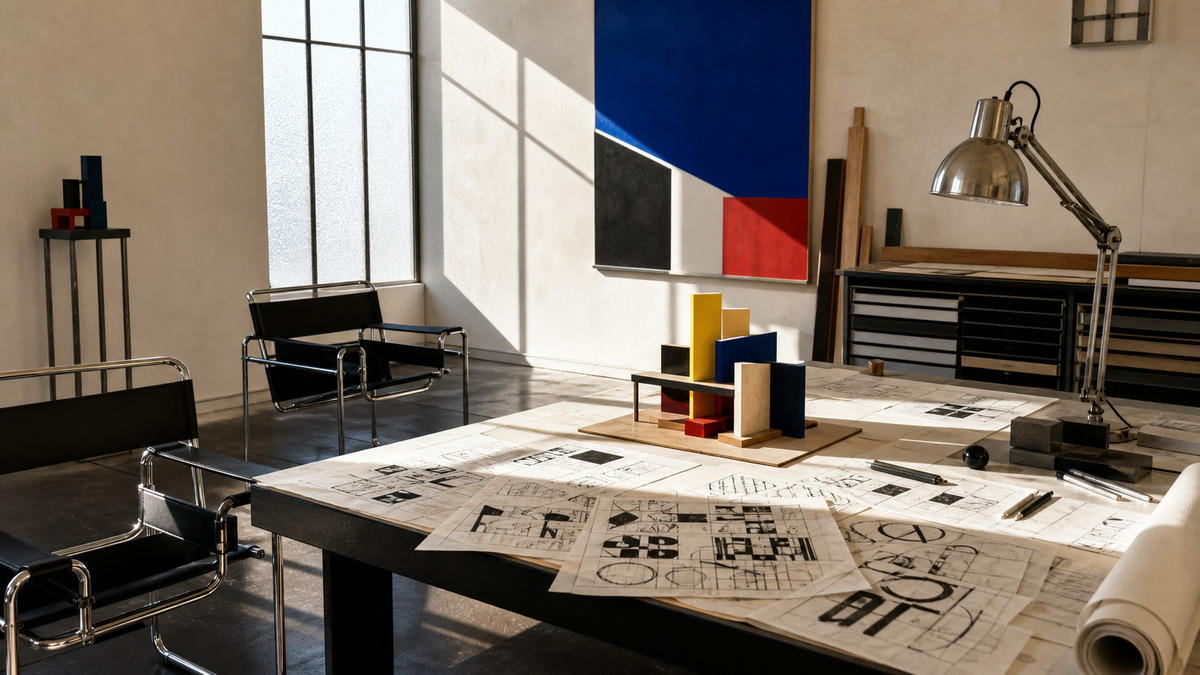
Over-the-shoulder shot of a designer arranging physical card mockups on a desk, the grid logic emerging from spatial trial and errorsetup50mm
Wide shot of a glass-walled office where whiteboards display wireframe grids and a laptop screen echoes the same rhythm in production codewide24mmthru glass
Tight shot of hands on a trackpad, the screen reflecting rounded-corner tiles with generous padding glowing against a dark interfacesetup50mm
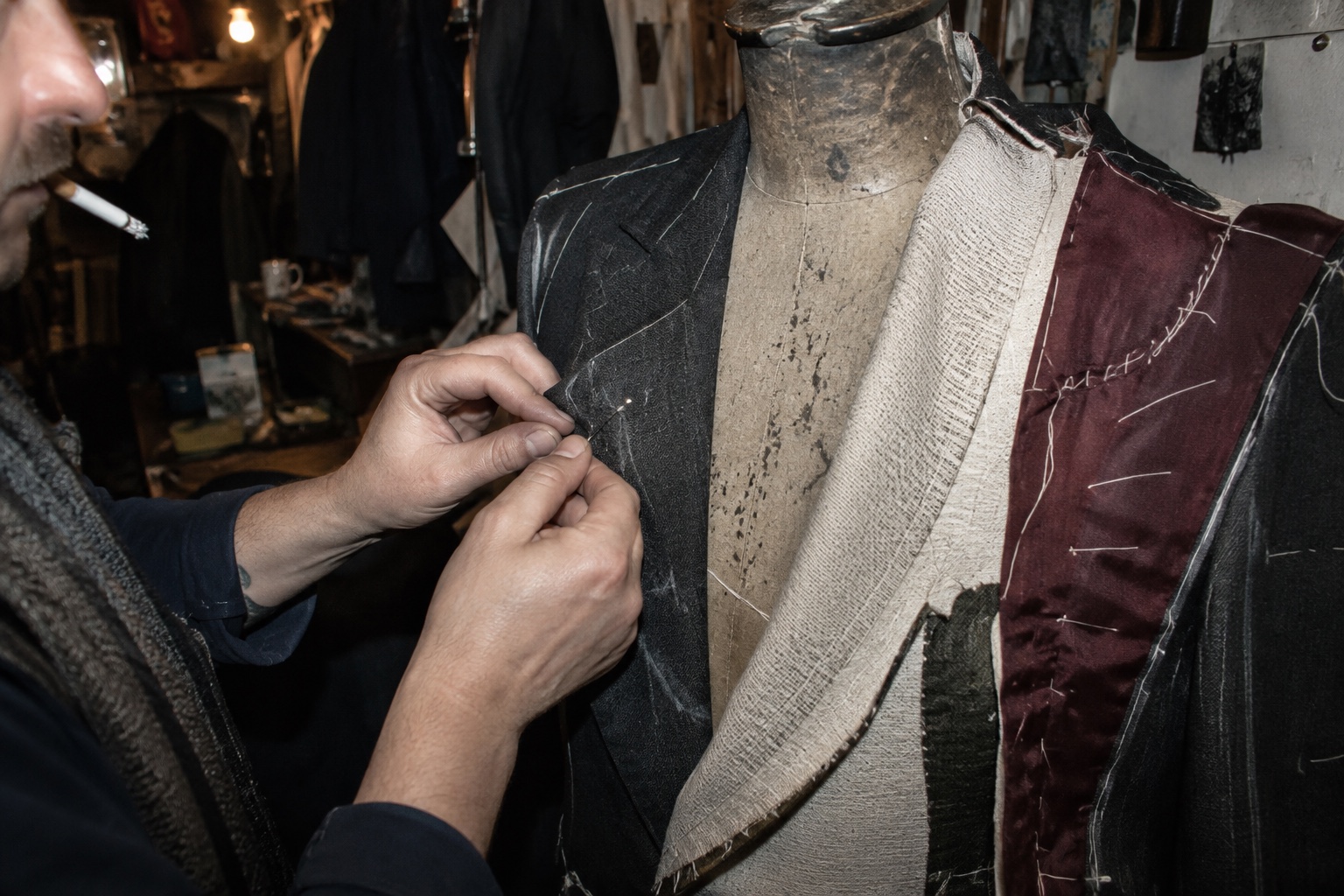
Flat-lay of printed UI cards laid out on matte black paper, each one isolated by negative space, a physical prototype of the digital gridoverhead50mm
Rolling
Take it to set: all 151 briefs as one PDF · $8
LOC

Locations

04
A product design studio with floor-to-ceiling whiteboards and dual-monitor workstationsA tech company lobby where the digital signage itself runs a bento-style dashboardA minimalist co-working space with matte surfaces and recessed lightingA print shop where modular card layouts are being proofed on heavy stock
REF

Explore the aesthetic

Style guideColor palette
DOC

About this brief

How do I photograph the Bento UI aesthetic?

Every card a self-contained thought, every grid line a decision made visible.

Shoot everything on a grid. Your framing should echo the subject: centered, padded, contained. If the composition feels loose or organic, you have missed the point. Bento is about the confidence of constraint.

Director's note

What shots should I get for a Bento UI photo shoot?

Leave with every frame on this list.

Shot list

  1. Extreme close-up of a backlit display showing a modular card layout, each tile holding a single piece of information in perfect containment
  2. Over-the-shoulder shot of a designer arranging physical card mockups on a desk, the grid logic emerging from spatial trial and error
  3. Wide shot of a glass-walled office where whiteboards display wireframe grids and a laptop screen echoes the same rhythm in production code
  4. Tight shot of hands on a trackpad, the screen reflecting rounded-corner tiles with generous padding glowing against a dark interface
  5. Flat-lay of printed UI cards laid out on matte black paper, each one isolated by negative space, a physical prototype of the digital grid
What lighting works for Bento UI photography?

Cool, even monitor light supplemented by diffused overhead panels. No dramatic shadows. The light should feel institutional and precise, the kind of controlled illumination you associate with design studios and product labs.

Light

Where should I shoot Bento UI photography?

Scout these before anything else.

Locations

  1. A product design studio with floor-to-ceiling whiteboards and dual-monitor workstations
  2. A tech company lobby where the digital signage itself runs a bento-style dashboard
  3. A minimalist co-working space with matte surfaces and recessed lighting
  4. A print shop where modular card layouts are being proofed on heavy stock
What wardrobe works for Bento UI photography?

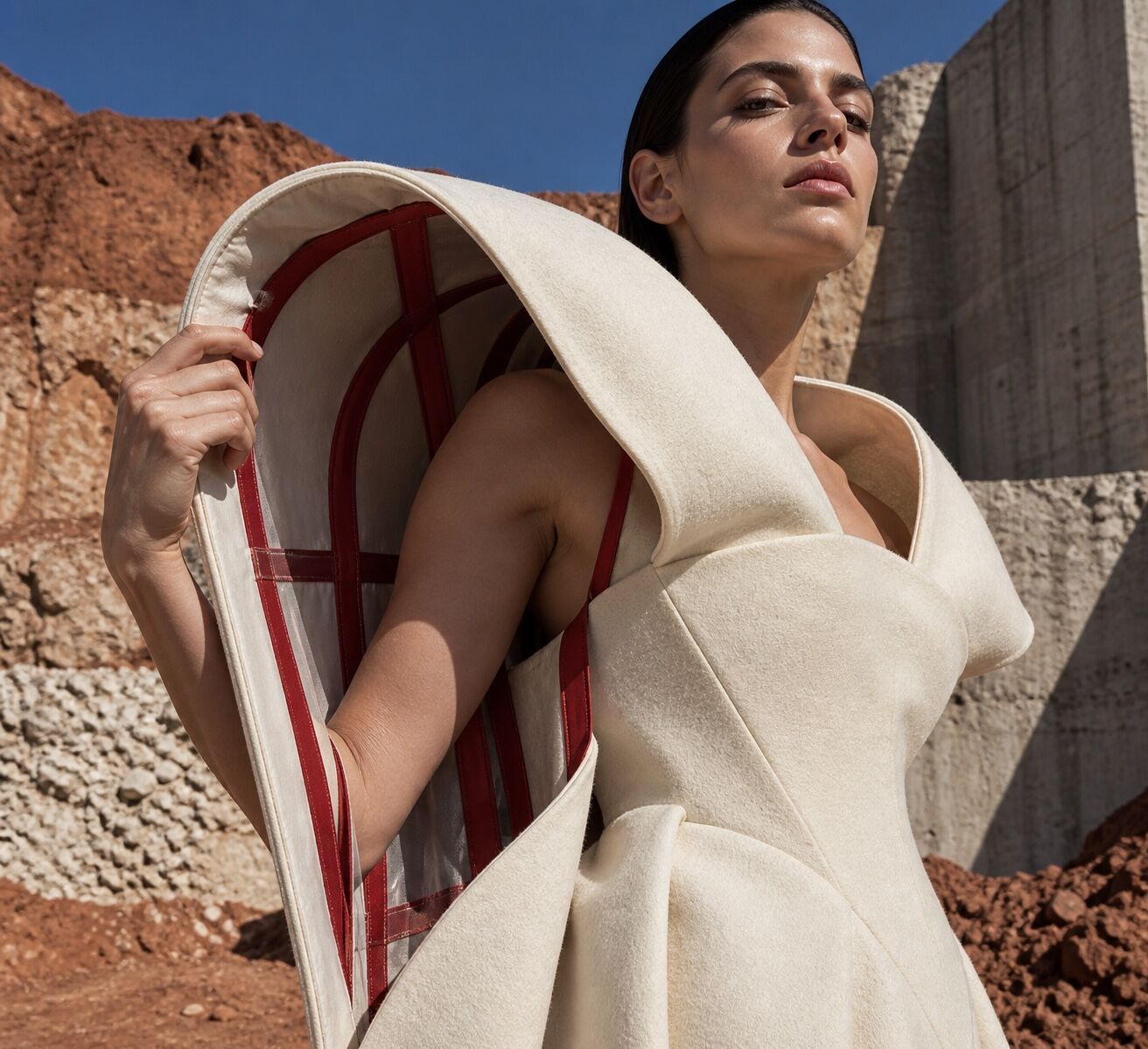
Clean, minimal, monochrome. Crew-neck sweaters, simple tees in charcoal or navy. Nothing competes with the screen.

Wardrobe

Omoro Studio · Creative System

Generate shoot references in the Bento UI style

Omoro reads your visual references and generates images in your exact aesthetic. Build a mood board before the shoot or create composite references for your client.

Join the waitlist